3 min read

The Hidden Danger of Rogue Wi-Fi Access Points: A Cautionary Tale for Small Business Owners

For most small businesses, Wi-Fi is as essential as electricity—everyone expects it to “just work.” But when coverage is spotty or the signal drops in certain rooms, well-meaning employees often try to “help.” And that’s where trouble starts.

Meet Bill from Accounting

Bill is a helpful guy. During a weekly meeting, he notices the conference room Wi-Fi barely reaches half the attendees’ laptops. Wanting to solve the problem, he brings in a cheap Wi-Fi “booster” from home and plugs it into an empty network port.

Within minutes, the conference room has great coverage. Bill feels like a hero.

What Bill doesn’t realize is that his little device just created a wide-open back door into the company network—no password, no encryption, no logging, and no monitoring. Anyone in the parking lot, neighboring suites, or even the café next door can now connect to the internal network and quietly poke around for sensitive files.

What Is a Rogue Access Point?

rogue access point is any wireless device plugged into your network without proper configuration or approval. These devices are extremely common because they’re inexpensive, easy to set up, and sold under friendly names like “Wi-Fi extender” or “range booster.”

The problem?
They bypass every bit of security your business relies on:

  • Bypassing firewalls – The rogue device becomes a direct entry point into your internal network.
  • Unencrypted access – Most home extenders broadcast unsecured or weakly secured networks.
  • Zero visibility – Your IT team can’t manage or monitor what they don’t know about.
  • Compliance issues – If your business handles financial, medical, or customer data, a rogue AP can put you out of compliance in seconds.

Why This Threat Is Especially Serious for Small Businesses

Small businesses typically don’t have dedicated security teams or 24/7 monitoring. That means an unauthorized device can remain unnoticed for weeks or months—plenty of time for attackers to exploit it.

Cybercriminals actively scan for unsecured access points near business addresses. Once connected, they can:

  • Intercept traffic
  • Access shared folders
  • Install malware
  • Harvest employee or client data
  • Attempt lateral movement into servers or cloud systems

All from a device an employee plugged in with the best of intentions.

How to Prevent a “Bill from Accounting” Situation

Fortunately, preventing rogue access points doesn’t require a massive budget—just good policy and solid technical controls.

1. Adopt a Clear “No Unauthorized Network Equipment” Policy

Make it explicit that employees cannot plug in their own routers, extenders, switches, or hubs. Even a line in the employee handbook can make a big difference.

2. Lock Down Network Ports

If a device shouldn’t be there, the port shouldn’t work. Options include:

  • Disabling unused Ethernet ports
  • Using MAC address restrictions
  • Implementing 802.1X port authentication

IT teams can be selective—conference room ports stay locked until needed.

3. Use Business-Grade Wi-Fi Infrastructure

Modern systems allow you to:

  • Detect rogue devices automatically
  • Alert IT staff in real time
  • Map wireless coverage to eliminate dead zones
  • Centrally manage all access points and security policies

This removes the temptation for employees to “fix” the Wi-Fi themselves.

4. Communicate the Risk to Employees

People bring in these gadgets because they’re trying to help. A simple explanation helps prevent that:

“If you plug in a Wi-Fi device without IT approval, it can expose all company data. Always check with IT first.”

Short, direct, and easy to remember.

5. Regularly Scan for Unauthorized Devices

Quarterly network audits or continuous monitoring tools will catch anything unexpected.

Final Thoughts

Rogue Wi-Fi access points are a classic example of small actions creating big risks. In Bill’s mind, he was solving a convenience issue. In reality, he unintentionally opened the door to substantial financial, legal, and cybersecurity consequences.

Small businesses can protect themselves with clear policies, controlled access to network ports, and properly managed Wi-Fi systems. A little structure goes a long way in preventing a “Bill from Accounting” moment.

Using a managed service provider adds another layer of protection. With proper monitoring tools and centralized oversight, an MSP can quickly detect unauthorized devices, lock down risky ports, and proactively address wireless coverage issues before employees try to “fix” them on their own. This ensures the network stays secure, reliable, and aligned with your business policies—without putting the burden on your staff.

Businesses in Orange County, CA can significantly strengthen their cybersecurity posture by partnering with a local managed service provider that delivers proactive network monitoring and protection.

About Newport Solutions 

Newport Solutions has been helping small businesses in Orange County, CA for almost 20 years. Our dedicated team provides comprehensive IT services, ensuring your business operates smoothly and efficiently. From IT support to cybersecurity, we've got you covered. Discover how we can become your business's IT department today. 

We proudly serve the following areas: Newport Beach, Huntington Beach, Irvine, Costa Mesa, and the greater Orange County region. 

Contact Us to learn more. 

What Orange County Businesses Need to Know About Smart Office Risks

What Orange County Businesses Need to Know About Smart Office Risks

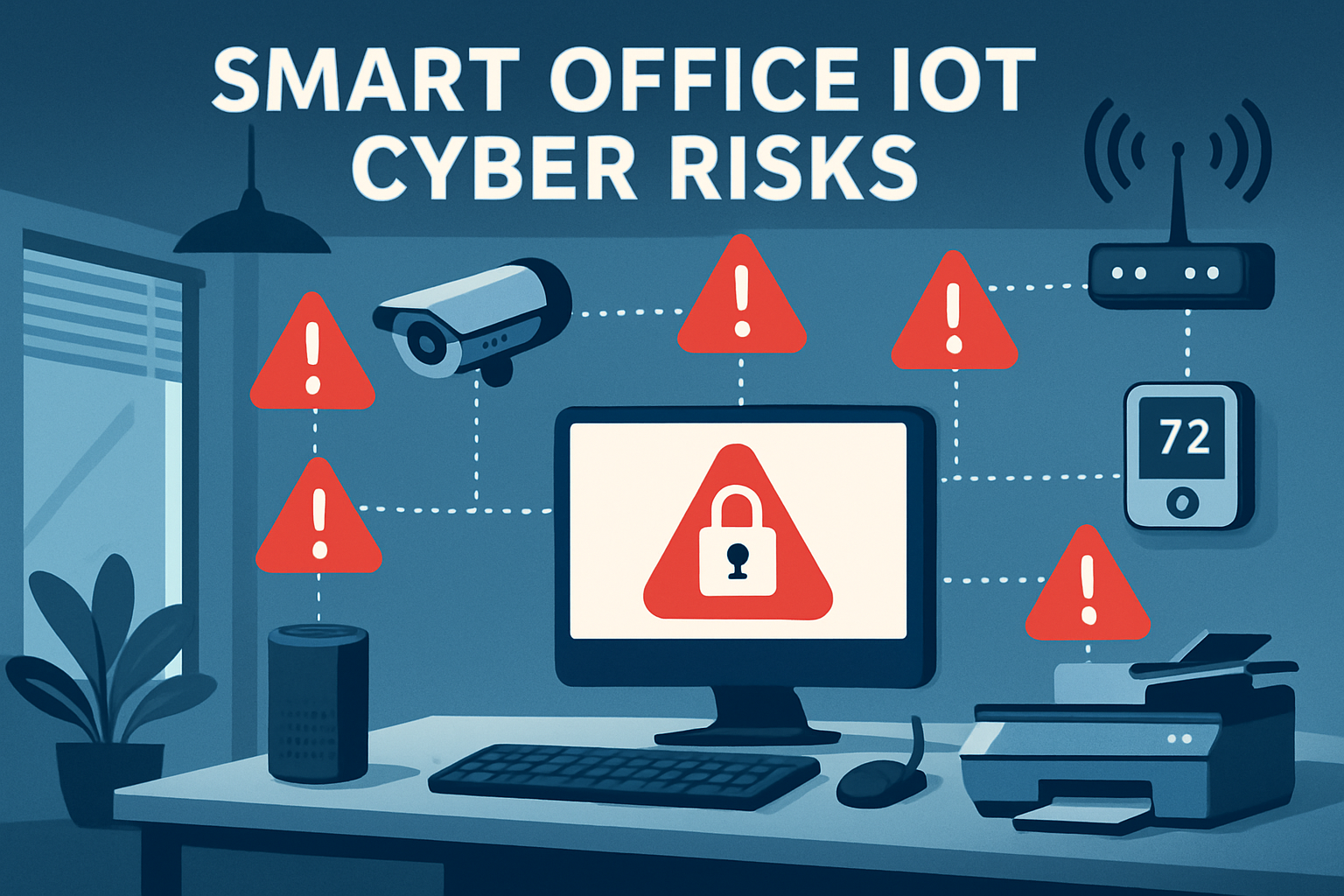
Devices like your office thermostat, conference room speaker, and smart badge reader make life easier—but they can also open the door to your network...

Read More
Stronger Login Security: How SMBs Can Stop Hackers at the Front Door

Stronger Login Security: How SMBs Can Stop Hackers at the Front Door

When you think about a cyberattack, you might imagine complex code or malware sneaking into your systems. But often, the first step is much simpler:...

Read More
The Importance of 2FA in Safeguarding Your Accounts from Hacking

The Importance of 2FA in Safeguarding Your Accounts from Hacking

In today's digital age, safeguarding our accounts from advanced hacking methods and cyber threats is of utmost importance. A powerful tool to bolster...

Read More